# Lottery Phase VI
# Create a new project
Create a Lotto project and add component which we exported to integrate with Vuejs
- Create a Lotto project
$ smile new Lotto
$ cd lotto
/lotto $ sbt
[Lotto] $ smile
- $ add-component lottery-release_api-0.1 and follow the guided steps (if any).
[Lotto] $ add-component lottery-release_api-0.1
[error] add the following dependent components and try again : add-component bread-release-0.4
[Lotto] $ add-component bread-release-0.4
[error] add the following dependent libs and try again : add-lib common-0.1
[Lotto] $ add-lib common-0.1
[info] common-0.1 is added to the project
[info] add the import-lib  'import-lib common-0.1' to /Users/vishnuv/metastay/lotto/k/Lotto.ksmile and smile.
[Lotto] $ add-component bread-release-0.4
[info] bread-release-0.4 is added to the project
[info] refresh eclipse project
[info] add the import  'import-component bread-release-0.4(BreadData,BreadDomain,NotifierProcess)' to /Users/vishnuv/metastay/lotto/k/Lotto.ksmile and smile.
[Lotto] $ add-component lottery-release_api-0.1
[info] lottery-release_api-0.1 is added to the project
[info] refresh eclipse project
[info] add the import  'import-component lottery-release_api-0.1(LotteryData,LotteryDomain,LotteryMongo,LotteryPlay,LotteryProcess,LotteryQuery,LotteryReadMongo,LotteryStream)' to /Users/vishnuv/metastay/lotto/k/Lotto.ksmile and smile.
- Import the project and the components to Eclipse and edit
Lotto.ksmile
import-component bread-release-0.4(NotifierProcess)
import-component lottery-release_api-0.1(LotteryPlay, LotteryProcess, LotteryQuery)
- smile
$ smile
# Add a view module
- Add the following to
.ksmilefile.
section lotto{
	view-module lottoview at lottoview
}
- Run the smile command and refresh Eclipse to see lottoview.kview
$ smile
- Open
lottoview.kview, update the route
route "lotto"
- npm install inside the module - in a different window. Open an new terminal and cd to /lotto/modules/lotto/lottoview and 'npm install'
$ Do the following two steps to set up the module
[warn]  1. go the module in sbt and run generate
[warn]  2. from the command prompt, cd to modules/library/libraryview and 'npm install'
- Compile and Run in sbt,
$ compile
$ ~run
In npm terminal,
$ npm run serve
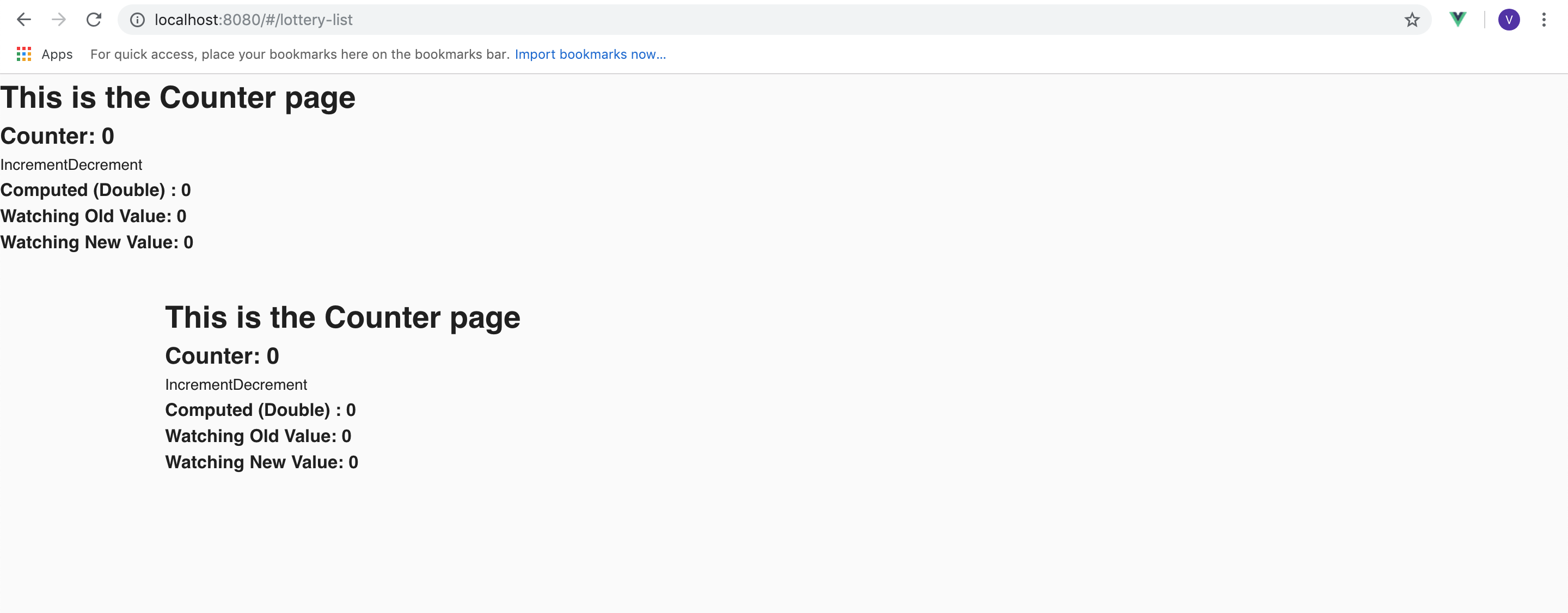
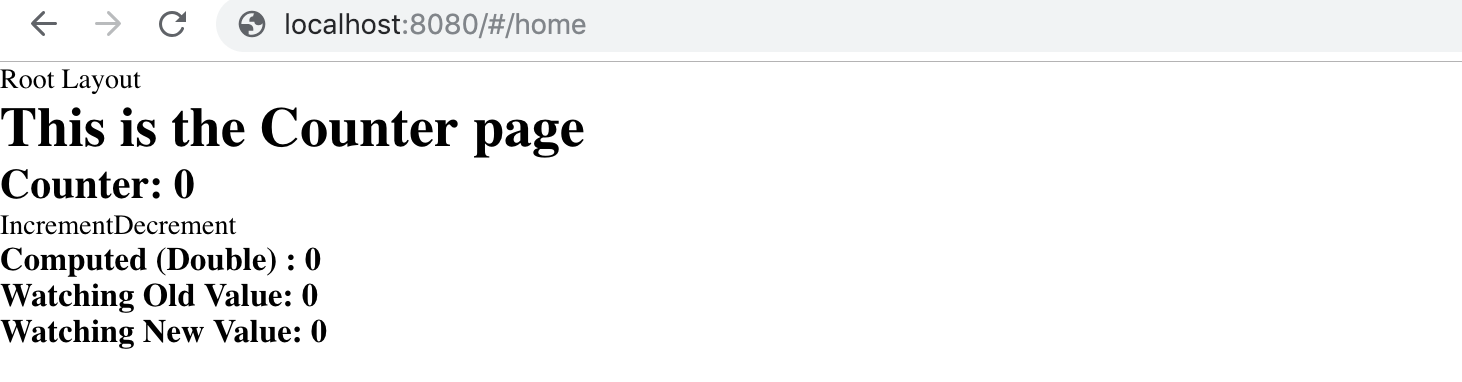
Open browser http://localhost:8080/lotto
# Add Remote Api Point
- open
lottoview.kviewin eclipse and add the remote api point.
remote-api-point LotteryPlay => "LottoApi"
NOTE
It has to be placed after module and before route.
- Open
remote-api-point.tsin VScode and add the line "export const LottoApi = axios;"
import axios from 'axios';

export default class RemoteApiPoint {

   public static setup() {
     axios.defaults.headers.common['X-Requested-With'] = 'XMLHttpRequest';
   }
}
export const LottoApi = axios;
# Create Layout
- Open
lottoview.kviewin Eclipse and add a toolbar in slot inside section
section lottoview {
	view Home
	view Toolbar under "bar"

	layout Root ('/') slot(default,toolbar=Toolbar)  {
		page Home('home') view(^default=Home)
		redirect ("") to Home
	}
}
- Create required pages and layouts. Add views for the pages and redirect to "CreateLottery" page
section lottoview {

  view Toolbar under "bar"
  view LotteryList,CreateLottery under "lottery"
  view Details,AddParticipant under "lottery"/"details"

  layout Root ('/')  as "" slot(default,toolbar=Toolbar)  {
    page LotteryList('lottery-list') view(^default=LotteryList)
    page CreateLottery('create-lottery') view(^default=CreateLottery)
    layout Details(':lotteryName') slot(holder){
      page Summary("details") view(holder = Details)
      page AddParticipant("add-participant") view(holder = AddParticipant)
    }
    redirect ("") to Root.CreateLottery
  }
}
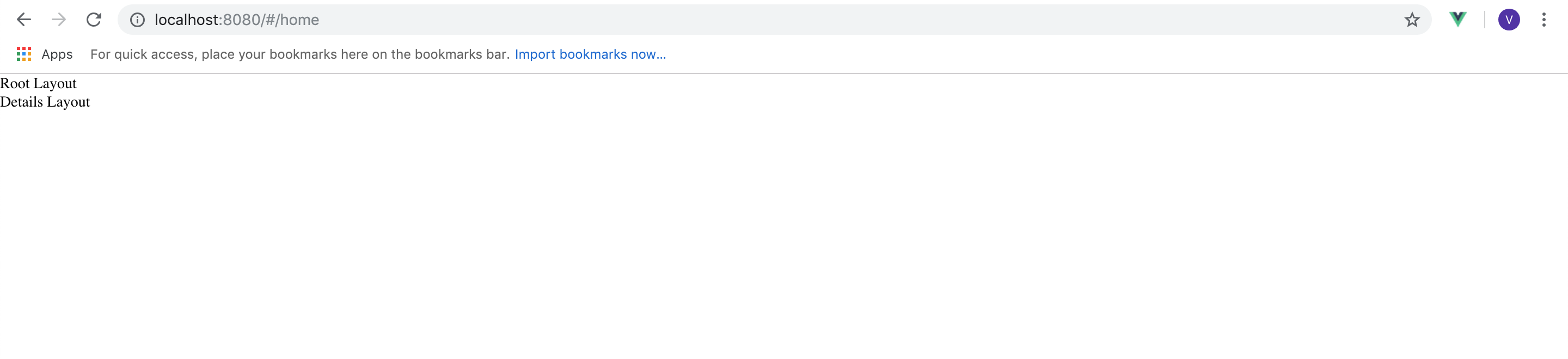
- Open browser http://localhost:8080/lotto
Goto https://metastay.gitlab.io/smile-docs/cookbook/setup_smileform.html and setup SmileGrid and SmileForm.
Open
lottoview.kviewand create a section called core. Copy the commented decorator code from SmileGrid.vue file and paste it inside the section.Copy the commented decorator code from SmileForm.vue and paste it in core section.
Open
RootLayout.Vuefile in VScode and add Layout code inside template.
  <v-app id="theVapp">
      <router-view name="toolbar"/>
      <v-content class="fill-height" >
       <v-container  fill-height grid-list-xl>
        <v-layout justify-center id="root-layout-default">
          <v-flex fill-height><router-view/></v-flex>
        </v-layout>
      </v-container>
    </v-content>
  </v-app>
- Add Layout code in
DetailsLayout.Vue
  <v-container pa-0>
    <router-view name="holder"/>
  </v-container>
- Open browser
http://localhost:8080/lotto
to see the pages.