
# How to run a SMILE project outside sbt (server-mode)?
run command
stageto bundle the app so you can run it locally.[Lottery] $ stage [info] Wrote .../training/lottery/target/scala-2.12/lottery-0.1.pom [success] Total time: 1 s, completed 27 Dec, 2019 4:27:42 PMrun start-server.sh script.
@$:~/training/lottery>./start-server.sh #ensure the script is executable
@$:~/training/lottery>tail -f nohup.out
2019-12-27 16:28:52.522 - [info] smile - Smile  started(default)
2019-12-27 16:28:52.535 - [info] play.api.Play - Application started (Prod)
2019-12-27 16:28:53.152 - [info] p.c.s.AkkaHttpServer - Listening for HTTP on /0:0:0:0:0:0:0:0:9000
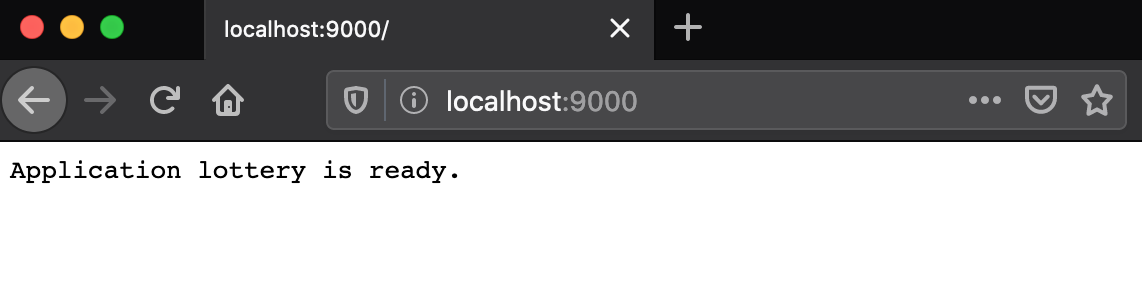
By default http port is set to 9000, access this url to check if the server is up
To stop server, run stop-server.sh script
@$:~/training/lottery>./stop-server.sh #ensure the script is executable
@$:~/training/lottery>tail -f nohup.out
...
2019-12-27 16:44:20.753 - [info] p.c.s.AkkaHttpServer - Stopping server...
2019-12-27 16:44:20.759 - [info] smile - Smile Shutdown started ...
2019-12-27 16:44:20.761 - [info] smile - SmileActorSystem awaiting Termination for 30 seconds...
2019-12-27 16:44:20.772 - [info] smile - SmileActorSystem shut down completed.
2019-12-27 16:44:20.773 - [info] smile - Smile Shutdown completed!